

Modern product companies use many digital tools. Engineers design products in CAD. Supply teams manage procurement in ERP. Marketing teams publish product content online. Each tool stores important data.
However, these systems rarely communicate well by default. Data becomes scattered across platforms. Teams struggle to access the same information.
This is where a PLM connector becomes essential. A well‑designed connector allows companies to integrate PLM with other systems. As a result, product data moves smoothly across the entire product lifecycle. Teams work faster and avoid many common errors.
This guide explains how a plm connector works, why companies use it, and how modern platforms simplify plm integration.
What Is a PLM Connector?
A plm connector is a software component that connects a plm system with other enterprise systems, allowing companies to choose the best tools and solutions for their specific needs thanks to the flexibility of connectors.
It allows data to move automatically between tools used across engineering, manufacturing, procurement, and marketing.
Instead of exporting files manually, teams rely on automated integration. The connector synchronizes product data, assemblies, revisions, and design information.
In simple terms, a connector acts as a bridge between systems. Some connectors are native solutions, offering seamless, out-of-the-box integration without the need for custom development.
For example:
| System | Role in Product Development |
|---|---|
| CAD | Engineers create cad models and product design |
| PLM | Stores product lifecycle data and revisions |
| ERP | Supports procurement and manufacturing planning |
| PIM | Manages product information for marketing |
| E‑commerce | Publishes products to online stores |
Without integration, these systems form isolated data silos.
A product lifecycle connector eliminates this gap by ensuring systems stay connected.
This connectivity creates what many organizations call a digital thread. The digital thread links engineering data, product structures, and downstream processes across the entire lifecycle.
Why Businesses Need PLM Connectors
Companies manage increasing product complexity. Products include hardware, software, electronics, and digital services.
Each department uses specialized tools. Engineers work in CAD. Supply chain teams rely on ERP systems. Product teams manage information in PLM.
Without proper integration, teams repeat work and duplicate data. A plm connector helps solve this challenge.
Here are the main reasons companies implement plm integration.
| Business Challenge | How a Connector Helps |
|---|---|
| Data silos | Connect systems so product data stays consistent |
| Manual data entry | Automate data synchronization between tools |
| Slow workflows | Enable faster engineering workflows |
| Collaboration issues | Improve collaboration across teams |
When systems connect properly, companies unlock real business value. Integrating systems with a PLM connector gives organizations the power to control and streamline their product development processes.
Teams gain better visibility into product information. Processes become more reliable. Product development moves faster.
Common Systems Connected to PLM
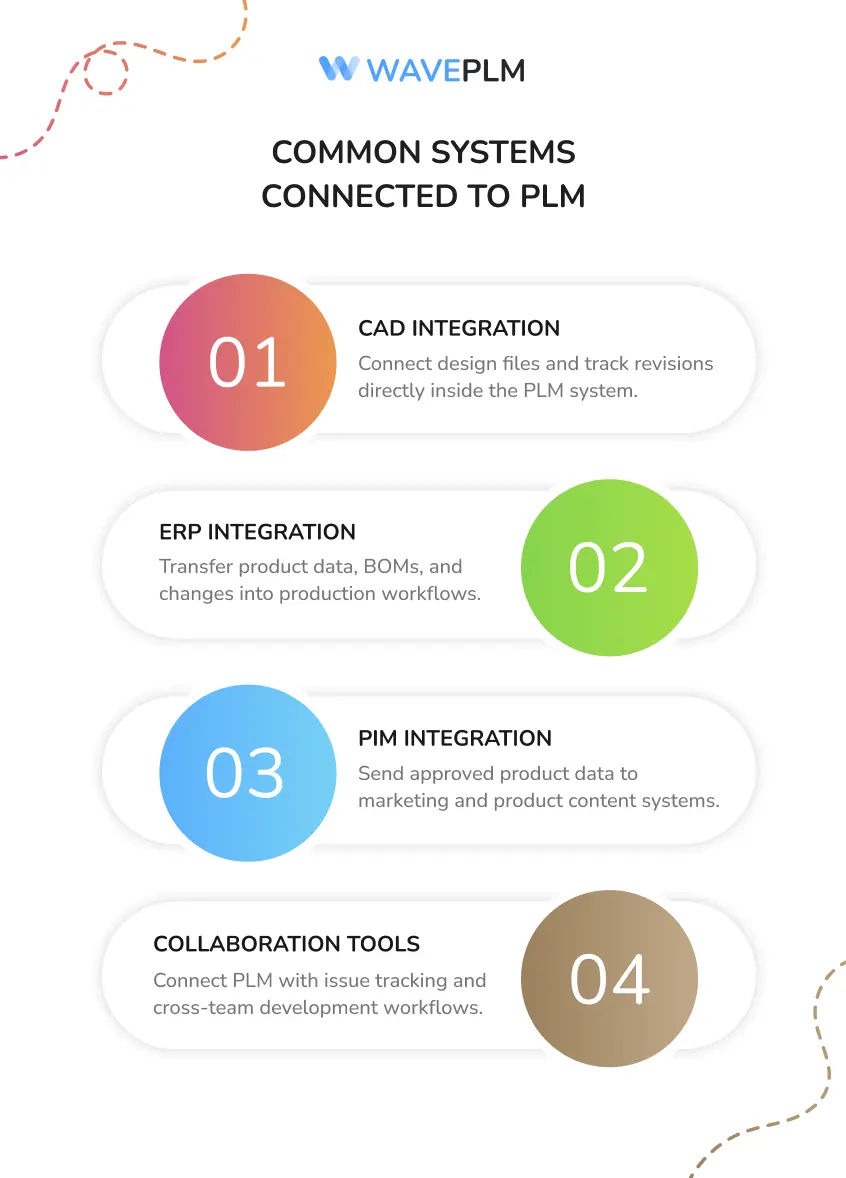
A plm connector often integrates several enterprise tools. Each integration supports a different part of the product lifecycle.
CAD Software
Engineering teams design products using CAD platforms.
These tools store complex cad models, assemblies, and technical design files.
A connector allows engineers to store design data inside the plm system automatically. The integration also tracks revisions and design changes.
This process ensures engineering teams always access the latest design data.
ERP Systems
ERP systems manage procurement, production planning, and financial operations.
A plm connector integrates PLM with ERP platforms so manufacturing teams receive accurate product data.
Bill of materials, assemblies, and engineering changes move directly into ERP workflows.
This integration helps manufacturing teams prepare production faster.
PIM and Product Content Systems
Product Information Management tools manage product descriptions, attributes, and marketing data.
A product lifecycle connector sends approved product data from PLM into these platforms.
Marketing teams receive reliable product specifications without manual data entry.
Collaboration and Issue Tracking Tools
Some connectors integrate PLM with collaboration tools used by software teams.
For example, the TECHNIA PLM Connector for Jira supports collaboration between hardware and software teams. It connects development workflows across the product lifecycle.
This integration helps teams manage engineering changes across disciplines.
How PLM Connectors Improve Product Data Flow
Product development generates large amounts of data. Engineers create design files, assemblies, and specifications. Teams update this information during every development step.
Without integration, this data remains trapped in separate systems.
A plm connector ensures product data flows smoothly between platforms.
Below is a simplified product data workflow:
| Step | System | Process |
|---|---|---|
| 1 | CAD | Engineers create product design |
| 2 | PLM | PLM stores product structure and revisions |
| 3 | ERP | Manufacturing receives BOM data |
| 4 | PIM | Marketing receives product information |
| 5 | E‑commerce | Stores publish products online |
The connector automates each step. At each stage, connectors also check and validate data to ensure accuracy and quality control throughout the workflow. Speeding up the hand-off from engineering to manufacturing can often cut development cycles significantly. Automated workflows that transfer approved designs directly to manufacturing can significantly reduce development cycles and accelerate time-to-market.
As a result, teams avoid manual data mapping and file transfers. The integration keeps systems aligned.
Benefits of Using a PLM Connector
Companies see several clear benefits when they implement plm integration.
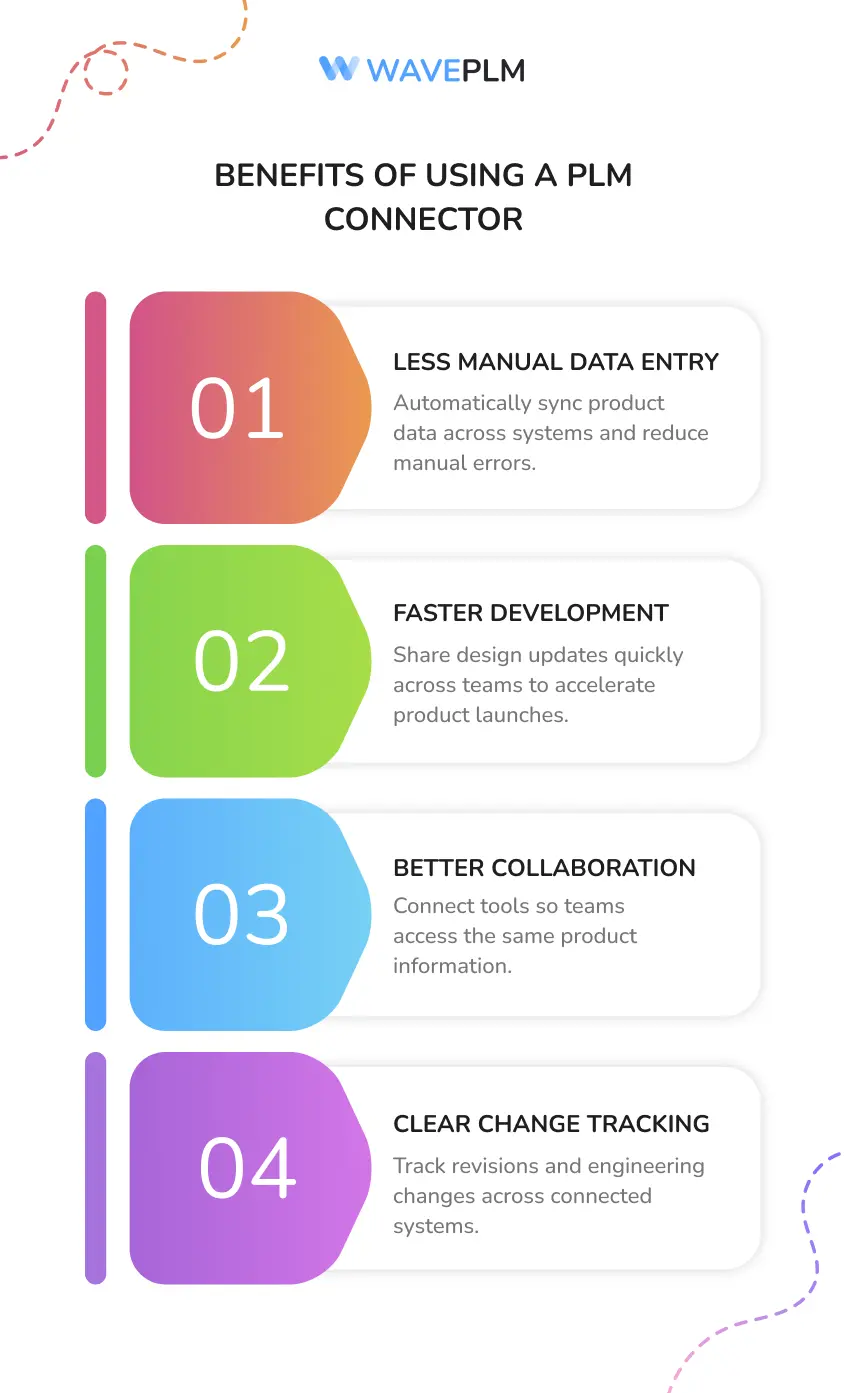
Reduced Manual Data Entry
Manual processes slow teams down. They also introduce data errors.
A connector synchronizes product data automatically. Teams avoid copying information between systems.
Faster Product Development
Connected systems accelerate engineering workflows.
Design updates move quickly across departments. Manufacturing teams receive product changes sooner.
This leads to faster product launches.
Better Cross‑Team Collaboration
Engineering, procurement, and marketing teams often rely on different tools.
A plm connector connects these tools and improves collaboration.
Teams access the same product information across systems.
Stronger Change Management
Product changes occur frequently during development.
A connector helps track revisions and engineering changes across systems. Users maintain clear visibility of product updates.
Typical PLM Connector Architecture
Most connectors follow a layered architecture that manages integration between systems.
| Architecture Layer | Purpose |
| Data Layer | Stores product data and lifecycle information |
| Integration Layer | Handles mapping and synchronization |
| Application Layer | Includes PLM, ERP, CAD, and other tools |
The integration layer performs data mapping and transformation. It ensures systems interpret product data correctly.
Modern connectors often rely on APIs and middleware platforms. These technologies support scalable integration between enterprise systems.
Challenges in PLM Integration
Even though connectors deliver strong value, companies often face several integration challenges.
Different systems structure data differently. Engineers may store design information in CAD. ERP systems may use different product structures.
Integration teams must perform detailed data mapping to connect these systems.
Common plm integration challenges include:
| Challenge | Description |
| Data mapping complexity | Systems use different data structures |
| Legacy tools | Older software may lack modern APIs |
| Version control | Teams must manage revisions across platforms |
| Security requirements | Sensitive engineering data requires protection |
Organizations should plan integration carefully to reduce risk.
How Modern PLM Platforms Simplify Connectivity
Modern PLM platforms focus strongly on integration capabilities.
Many solutions now provide built‑in connectors and flexible APIs.
For example, platforms like Aras Innovator support open integration architecture. Aras Innovator allows companies to customize connectors and integrate PLM with many enterprise tools.
Several vendors also offer specialized connectors:
- XPLM provides prebuilt connectors that integrate PLM, CAD, MBSE, and ERP systems.
- Autodesk Vault Connector synchronizes items and BOMs between Vault Professional and Fusion Manage. To learn more about Autodesk Vault integrations, access related resources or watch informative videos for deeper insights. For additional details, visit the Vault PLM product center.
- TECHNIA connectors link PLM platforms with collaboration tools like Jira.
These solutions support digital engineering strategies and enable a consistent digital thread across systems.

Step‑by‑Step Guide to Implementing a PLM Connector
Organizations usually follow a structured implementation process.
| Phase | Key Actions |
| Planning | Identify systems and integration goals |
| Data mapping | Define fields and product data structures |
| Development | Build or configure the connector |
| Testing | Validate synchronization between systems |
| Deployment | Launch integration and monitor workflows |
This step‑by‑step process ensures the connector supports engineering workflows and business processes.
How Wave PLM Connectors Simplify Integration
Wave PLM focuses on practical and flexible plm integration. The platform helps companies connect their engineering tools, ERP platforms, and product data systems without heavy customization.
A Wave PLM connector helps organisations integrate critical systems throughout the product lifecycle. Teams can integrate CAD platforms, ERP tools, and other business systems while maintaining a single source of product data.
Wave PLM supports modern engineering workflows and collaboration across departments. Engineers manage design files, assemblies, and revisions inside the plm system. At the same time, procurement and manufacturing teams receive the data they need through connected systems.
This approach removes the gap between engineering design and downstream processes.
Key advantages of using a Wave PLM connector include:
| Capability | Business Value |
| Flexible integration | Connect PLM with ERP, CAD, and other tools |
| Structured product data | Ensure consistent data across systems |
| Digital thread support | Maintain traceability across the product lifecycle |
| Scalable architecture | Support growing engineering teams and products |
Wave PLM also allows teams to customize integration workflows. Companies can define data mapping rules that match their engineering processes and product structures.
As a result, teams gain faster access to reliable product data. Collaboration improves across engineering, manufacturing, and supply chain teams.
Organizations that use Wave PLM connectors often see higher efficiency and smoother product development workflows.
To learn more about how Wave PLM connectors support modern product development, visit Wave PLM and explore how integration can power your digital engineering strategy.

Conclusion
Modern product companies rely on many digital tools across the product lifecycle.
A plm connector connects these tools and ensures product data flows accurately between systems.
Companies gain stronger collaboration, faster workflows, and improved engineering efficiency.
As digital engineering evolves, integration becomes even more important. Organizations that integrate PLM successfully build a powerful digital thread that connects design, manufacturing, and business operations.
The result is better products, faster innovation, and stronger product lifecycle management.





Leave a Reply